(1) My catalog file looks like a plain white icon.
Please add the extension ".dcmf" to the end of the name of your catalog file.
(2) My catalog file is grayed out in the Open Catalog panel. The "Open Recent" list in the File menu is empty.
If the catalog file icon shows a sheet of paper and two discs, the catalog file type is associated with an older version. Please delete all older versions of the DiskCatalogMaker application from your Mac.
You can also convert the .dcmf format to the .dcmd format (Catalog with Thumbnails) using "Save As…" in the File menu of DiskCatalogMaker.
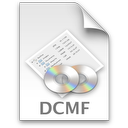 Catalog File Icon of DiskCatalogMaker 6.4.x.
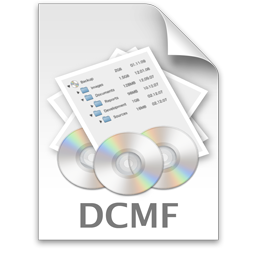 Catalog File Icon of DiskCatalogMaker 6.5.1+.
(3) because of an error ID=-39.
Your catalog may have been damaged by a previous crash or modified by another application. Please use your backup copy.
(4) because of an unknown version error.
Please get the latest version of DiskCatalogMaker, and trash the old version if it exists.
The catalog file format (.dcm/.dcmf) has been changed in DiskCatalogMaker 4.4. The new file format cannot be read with version 4.3 or earlier.
If you would like to save a catalog file as the old catalog file format, please remove all disk comments from the catalog.
See also: